

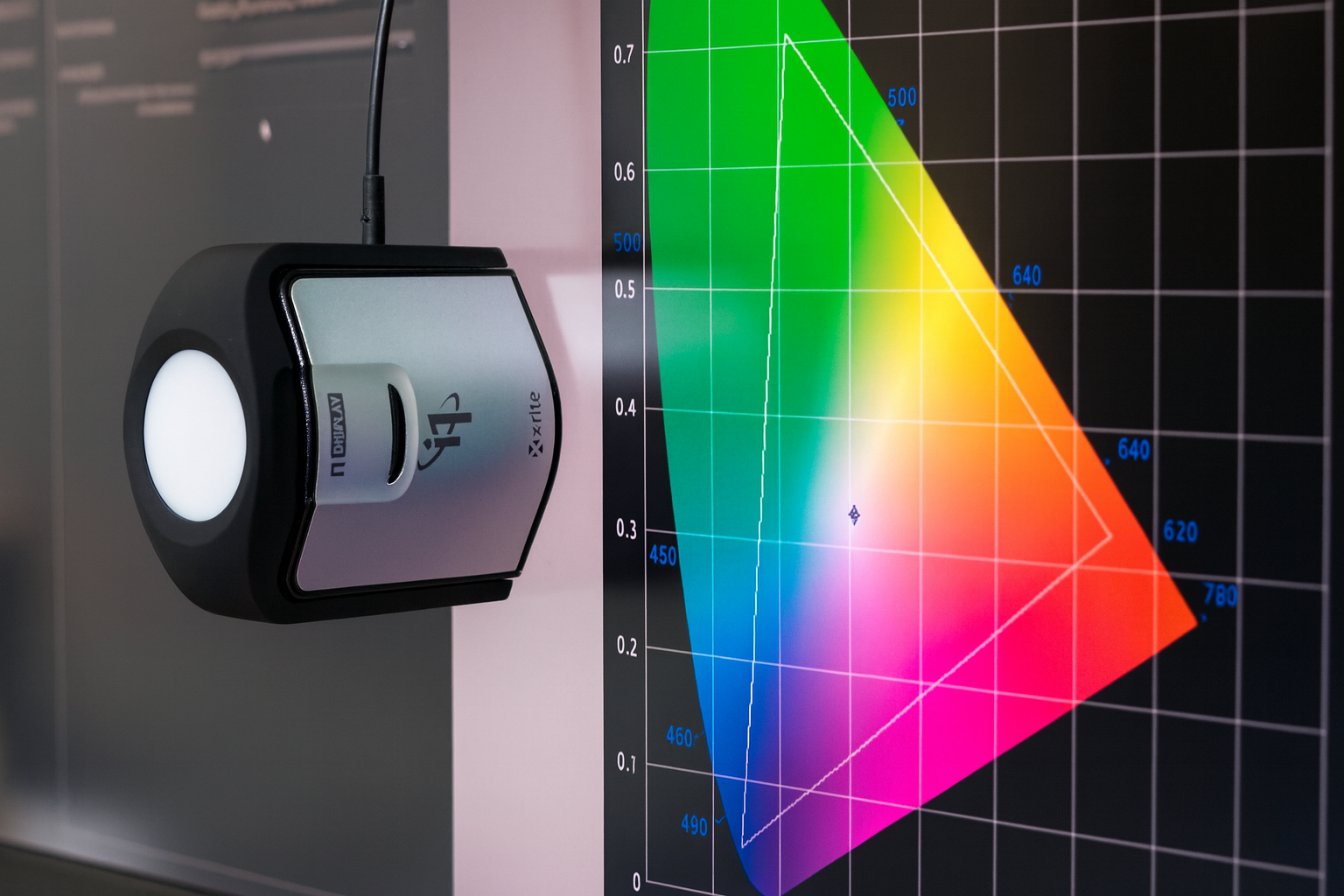
TV calibration – what is it and why is it worth doing?
TV calibration is one of the best ways to improve image quality and unlock the full potential of a modern screen. It allows the TV to display more natural colors, better contrast, and more detail in both dark and bright scenes.
In this guide, we explain what TV calibration is, when it is worth doing, what the entire process looks like, and whether it can be done on your own. We also show who benefits most from TV calibration and what advantages it provides in daily viewing of movies, series, sports, and games.
Table of contents
- What is TV calibration?
- Why is it worth calibrating your TV?
- Who is TV calibration for?
- When should you perform calibration?
- How does the TV calibration process work?
- Can you calibrate a TV yourself?
- TV calibration at Prestige TV
- FAQ – frequently asked questions
What is TV calibration?
TV calibration is the process of precisely adjusting picture settings to specific reference standards. It includes, among other things, adjusting brightness, contrast, white balance, gamma, and color reproduction.
Simply put: the goal of calibration is to achieve an image as close as possible to the creator's intent for a movie, series, or program. This ensures the TV does not display an image "boosted" for store conditions, but rather one that is more natural, consistent, and faithful to the source.
It is worth remembering that factory TV settings are very often designed to make the screen look impressive in a store display. At home, such a picture mode can be too bright, overly aggressive in terms of color, and simply fatiguing to the eyes. Even modes like Cinema, Movie, or Standard are merely general settings, not individually adjusted to a specific TV unit and room environment.
This is precisely why calibration allows you to achieve a better result than out-of-the-box factory settings. It is an individual tuning of a specific TV in its specific usage environment.
Why is it worth calibrating your TV?
TV calibration translates into real benefits for daily viewing. The most important ones are:
1. More natural colors
After calibration, the image looks more realistic. Skin tones, the sky, plants, and interiors stop appearing overly saturated or unnaturally cool. The image becomes more consistent and closer to how it should look.
2. Better contrast and more detail
Correct setting of brightness, contrast, and gamma ensures that more detail is visible in both the shadows and very bright parts of the image. Black is deep but does not "swallow" details, and white remains bright without clipping.
3. Greater viewing comfort
A calibrated image is less fatiguing for the eyes. The effect of blinding brightness, excessive colors, and unpleasantly cold white disappears. This is particularly important for long movie sessions, watching sports, or daily use of the TV for many hours.
4. Better utilization of the TV's capabilities
Modern OLED, QLED, and Mini LED TVs offer great image quality potential, but without proper adjustment, they do not always show it to the fullest. Calibration helps to use the panel and electronics' capabilities more consciously.
5. Fewer random picture problems
After proper tuning, it is easier to eliminate common issues such as oversaturated colors, overly dark shadows, overly blue whites, or an artificial "soap opera" motion effect. The image becomes cleaner, more balanced, and more pleasant to view.
Who is TV calibration for?
TV calibration is not a solution exclusively for film studios or the most advanced users. It makes the most sense especially if:
- you watch a lot of movies and series and care about a natural image,
- you have a premium-class TV and want to unlock its potential,
- you use an OLED, QLED, or Mini LED screen,
- you play on a console and want better contrast and a more consistent image,
- you use the TV also for photo presentations, editing, or working with images,
- you are bothered by overly bright colors, strange skin tones, or disappearing details in dark scenes.
If you are still choosing a new TV, check out our guides: what TV to buy in 2026, OLED or QLED, and how to set up your TV.
When should you perform calibration?
Calibration is best considered in a few specific situations:
After buying a new TV
A new TV often runs in factory mode, which does not show its full capabilities in home conditions. Calibration allows you to watch images in higher quality from the start.
After changing room conditions
New lighting, rearranging furniture, a different wall color, or moving the TV to a different room can affect the image perception. In such conditions, it is worth readjusting the settings.
When you care about maximum quality
If you treat home theater, sports, or gaming more seriously and want to achieve the best possible effect, calibration can provide a very noticeable improvement.
When the image looks good only "at first glance"
Often a TV seems impressive, but after longer viewing, you can see that the colors are too aggressive, the white is too cold, and dark scenes are not clear enough. This is the typical moment when calibration makes sense.
How does the TV calibration process work?
TV calibration is performed using specialized measuring equipment and software. In simplified terms, the entire process looks like this:
1. Image measurement
At the start, the calibrator checks how the TV displays the image before interfering with settings. Among other things, brightness levels, contrast, white temperature, gamma, and color reproduction are measured.
2. Result analysis
Based on the measurements, it is possible to assess which parameters deviate from the standard and require correction. This allows determining the direction in which changes should be made.
3. Setting adjustment
Next, the calibrator tunes the white balance, gamma, color saturation, black and white levels, and other parameters available in the TV settings. Sometimes this includes separate profiles for SDR, HDR, or game mode.
4. Final check
After the adjustment is performed, the TV is measured again to check the effect and confirm the improvement. This ensures the image has actually been brought closer to the reference standard.
Depending on the TV model and the scope of the service, calibrating one screen usually takes from about an hour to several hours if it covers multiple picture modes.
Can you calibrate a TV yourself?
To a limited extent — yes. You can improve basic image settings yourself, for example by:
- switching to Movie or Cinema mode,
- turning off excessive image "enhancers",
- limiting overly high brightness,
- reducing overly aggressive color saturation.
However, this is not full calibration. Adjusting the image "by eye" yourself does not provide the same accuracy as measuring with professional equipment. Additionally, each individual TV unit can behave slightly differently, which is why copying settings found on the internet usually does not produce a perfect effect.
If you care about maximum image accuracy, manual adjustments should be treated as a preliminary stage, not a replacement for calibration.
TV calibration at Prestige TV
At Prestige TV, we help not only with choosing the right TV but also in obtaining the best possible image quality after purchase. Calibration is a service for those who want to see a more natural, consistent, and refined image in their home environment.
Calibration is an especially good supplement to the purchase of modern OLED, QLED, and Mini LED TVs. If you want to check beforehand how to choose the right screen for your needs, also see our guides: OLED or QLED, Mini LED vs OLED, and which 55-inch TV to choose.
If you care about a better image, correct TV setup, and utilizing its capabilities, calibration can be one of the most noticeable improvements in daily equipment use.
FAQ – frequently asked questions
Does TV calibration really improve the image?
Yes. A well-executed calibration can improve color naturalness, contrast, detail clarity, and overall viewing comfort.
Is it worth calibrating a new TV?
Yes, especially if you care about better image quality than what the factory settings offer. A new TV often operates in a mode prepared more for a store display than for home conditions.
Does calibration make sense for OLED TVs?
Yes. OLED TVs have great image quality potential, and proper tuning allows you to make better use of it.
Can you calibrate a TV yourself?
You can improve basic settings, but full calibration requires measuring equipment and experience. Adjusting the image by eye does not provide such precision.
How long does TV calibration take?
It depends on the TV model and the scope of work, but it usually takes from about an hour to several hours, especially if it covers multiple picture modes.
Udostępnij:
Which TV to buy in 2026 – a complete guide